 WDM
WDMUp to 5× faster
Each file is split into segments downloaded in parallel and resumed after any interruption: you use your whole connection.
WDM is de moderne downloadmanager: multisegment-versnelling tot 5x sneller, automatisch hervatten bij netwerkuitval, torrents, planner en externe server.
No credit card needed · then only per year · Windows, macOS and Linux
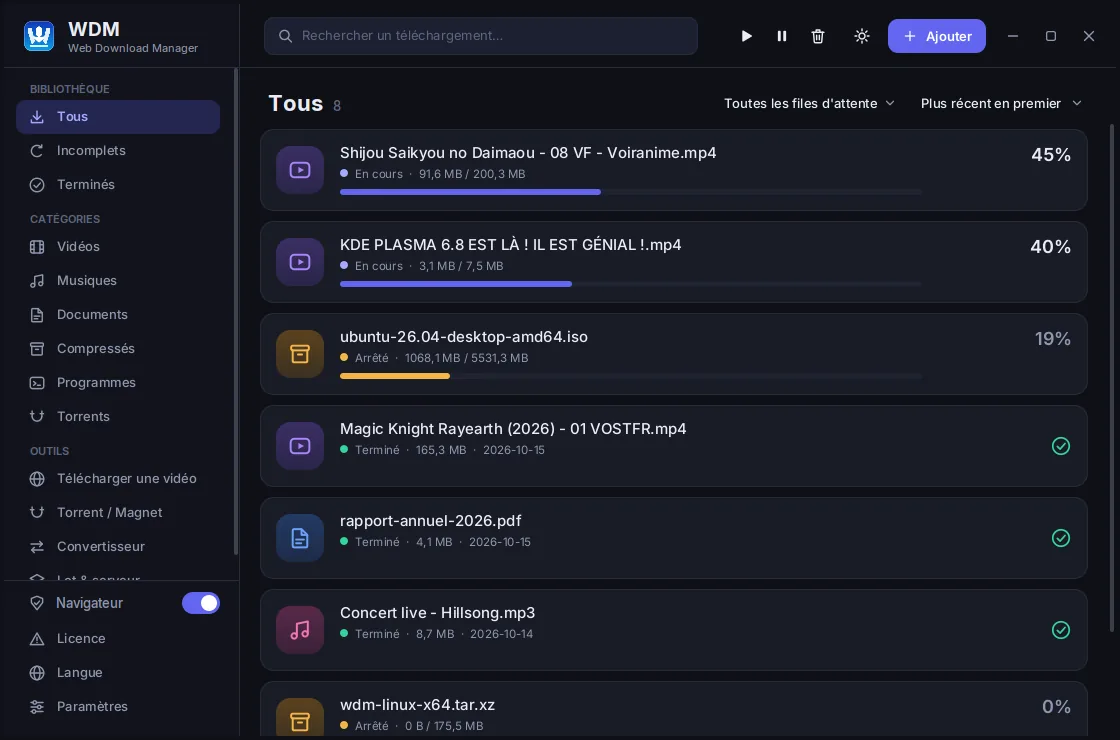
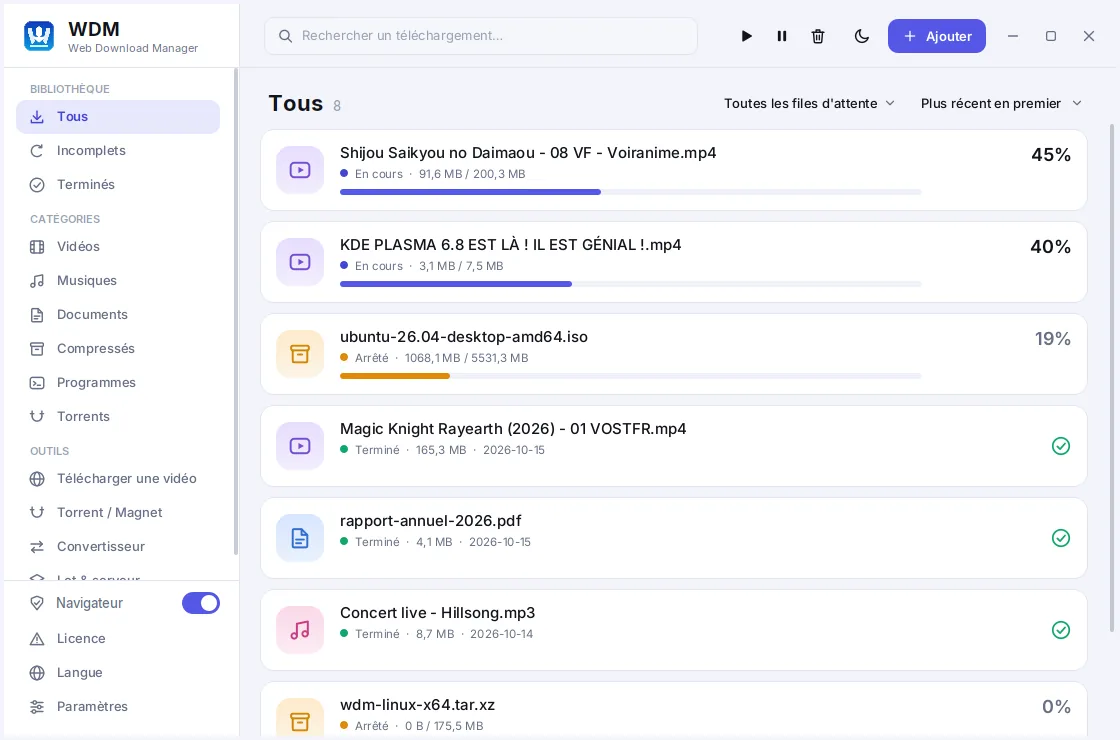
WDM vervangt uw standaard downloadmanager: multisegment-versnelling, betrouwbaar hervatten na verbroken verbinding, slimme sortering en ingebouwde torrentclient.
Each file is split into segments downloaded in parallel and resumed after any interruption: you use your whole connection.
Wi-Fi-uitval, slaapstand of overbelaste server? Uw downloads gaan precies verder waar ze waren gebleven, zonder opnieuw te hoeven beginnen.
Verklein bestandsgroottes tot wel 90% zonder zichtbaar kwaliteitsverlies. Automatische conversie na downloaden, HEVC (x265), 320 kbps MP3-audio-extractie en GPU-hardwareversnelling.
Send heavy downloads to your own high-speed server, compress them there and fetch the result from the web interface.
A native BitTorrent engine: .torrent files, magnet links and playlists, all in the same list.
A modern interface that follows your system, translated into 27 languages including Arabic and Chinese.
Neemt bestandsdownloads automatisch over van uw browser om ze met één klik te versnellen en veilig te stellen.
Plan your downloads, limit the speed, shut the PC down at the end or run an antivirus scan.
Everything runs on your computer. No tracking of what you download.
A clear interface, designed to be picked up in a few seconds.
Al uw bestanden en downloads in één overzichtelijke lijst: live voortgang, snelheid per segment, categorieën en direct zoeken.
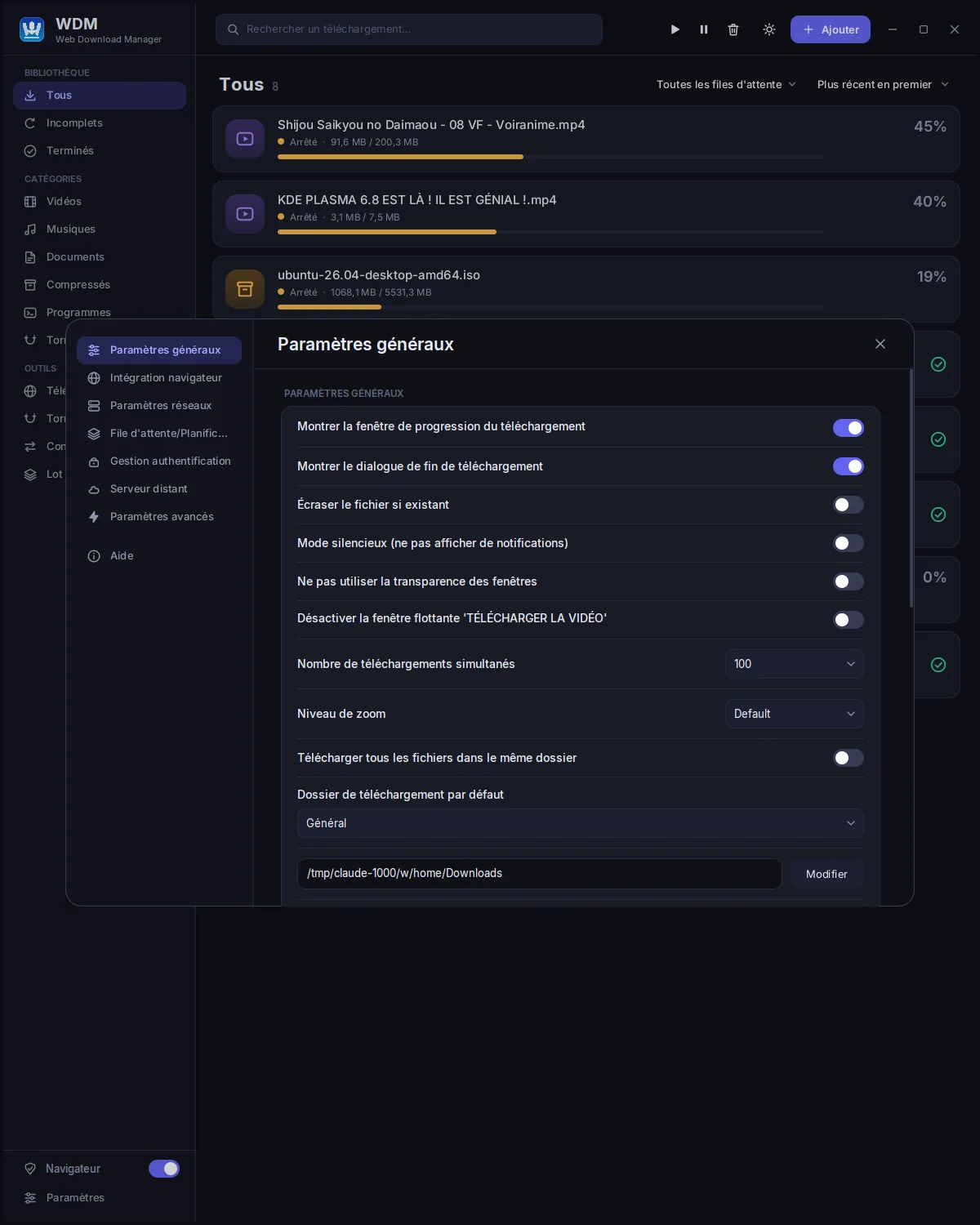
Nauwkeurige controle over snelheidslimieten, parallelle verbindingen, proxy-instellingen en bestemmingsmappen.
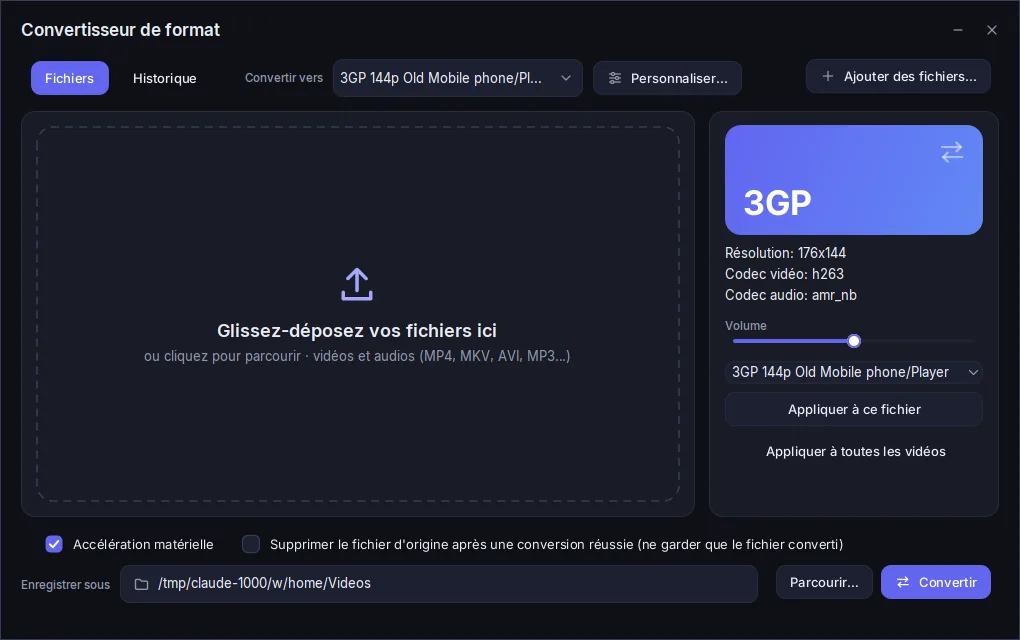
Meer dan 10 geoptimaliseerde profielen: 4K/1080p, HEVC x265 (-75% schijfruimte), lichte mobiele profielen (-90%) en 320 kbps MP3-extractie met live voortgang.
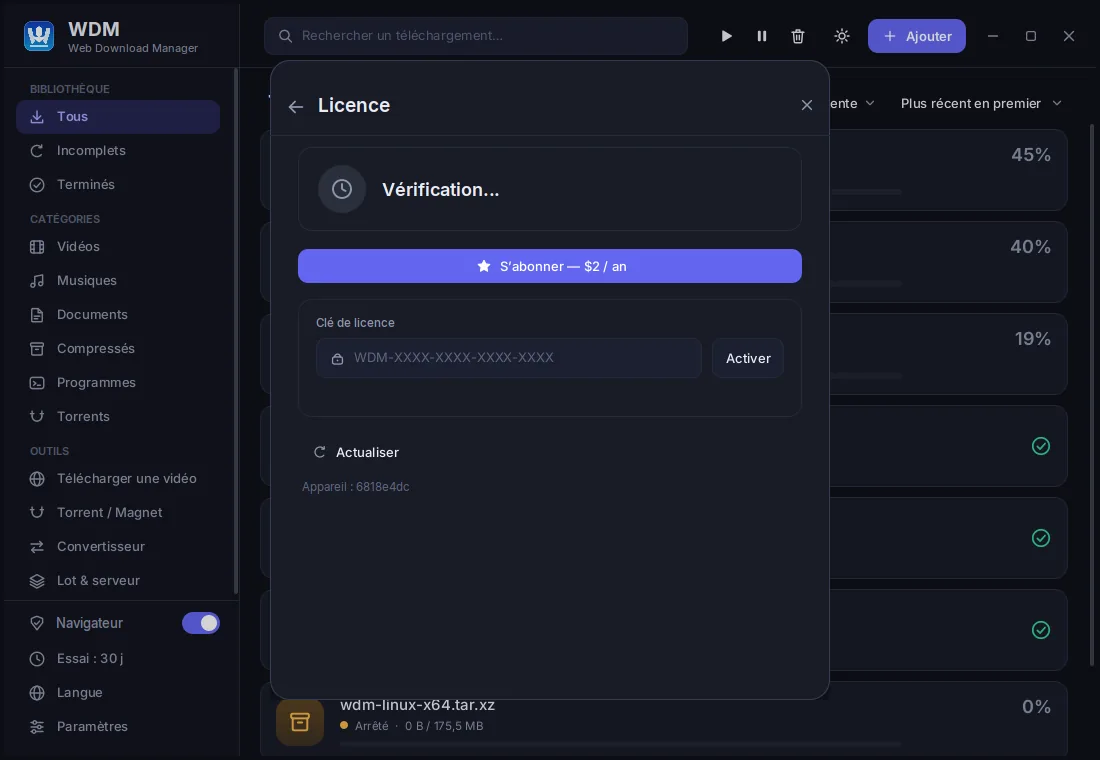
Your trial, your remaining days and your license key at a glance. Nothing hidden.
No account needed to try: install, launch, download.
Download the installer for your system. Your 14-day trial starts at the first launch, with every feature.
Use everything for 14 days. WDM reminds you of the remaining days, without ever getting in your way.
Create an account, subscribe, then enter your license key in WDM. That is all.
Eén account voor alle systemen.
Windows 10 and 11, 64-bit. Installer with browser extensions.
WDM downloadenmacOS 12 and later, Apple Silicon and Intel.
WDM downloadenUbuntu, Debian, Fedora, Arch… self-contained archive, Java included.
WDM downloadenWDM herkent geïnstalleerde browsers en koppelt zijn extensie: klik op een downloadlink en het bestand start direct in WDM op maximale snelheid.
Manifest V3 extension, installable from the provided folder or the browser store.
Signed extension for Firefox and its derivatives, including Snap and Flatpak builds on Linux.
What you download is nobody's business but yours. No ads, no tracking, no data resale.
4 dollars a year, everything included. Nothing renews unless you decide so, and you get a refund within 14 days.
A real person answers you, usually within 24 hours, in your language.
Eerste 14 dagen gratis, daarna slechts $2 per jaar.
Secure payment by card or Mobile Money


Downloads pause until you subscribe. Your list, settings and history are kept: as soon as the license is entered, everything resumes.
No. The trial starts by itself the first time you launch WDM on your computer. You only pay if you decide to keep WDM.
No. You pay for one year, we remind you before the end, and you renew only if you want to.
Yes, one license works on 2 devices. You can move it from the “My account” page.
Bank card, Mobile Money, PayPal and others, depending on your country.
It checks the license online about once a day and keeps working offline for several days in between.
Yes: write to us within 14 days of payment and we refund you, no questions asked.
No password: enter your e-mail, we send you a 6-digit one-time code valid for 10 minutes. Nothing to remember, nothing to steal.
Install WDM and enjoy 30 free days, no credit card needed.